
01
Battery icons with personality
Choose a battery style, color, size, and position that suits your screen.
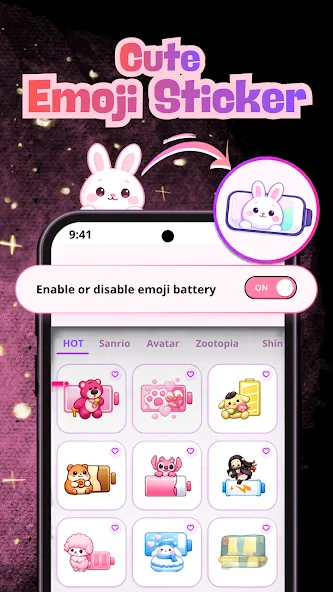

Emoji Battery: Icon & Widget
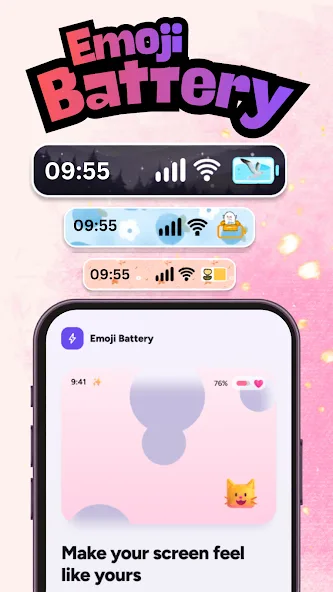
Emoji Battery turns a small everyday utility into a playful part of your home screen with mix-and-match visual styles.
Verified 2026-10-08. Unsupported metrics are omitted.
Designed around the task
Each screen supports one clear part of the experience—nothing here is decorative product theatre.
Choose a battery style, color, size, and position that suits your screen.
Add a battery-level widget and choose a visual style that fits your setup.
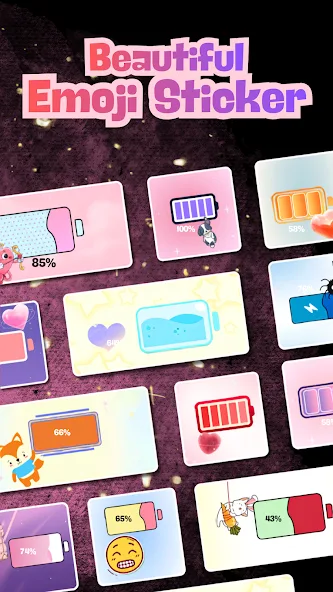
Layer playful stickers and backdrop choices into a coordinated look.
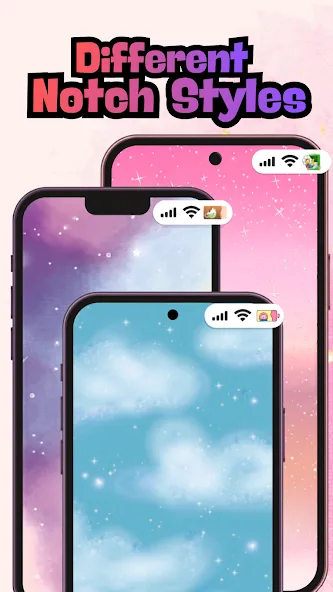
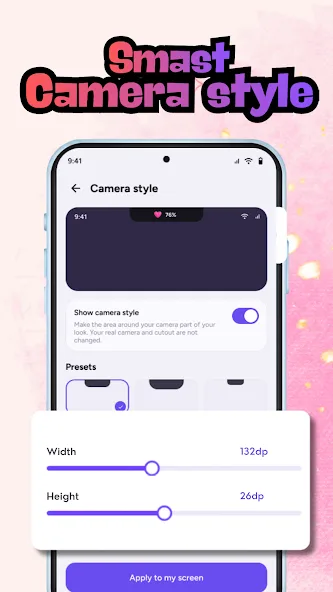
Show the selected Top Style near the status area after granting the required Android permission.
Inside Emoji Battery: Icon & Widget
Swipe or use the arrow keys to move through the verified interface.
Emoji Battery status-bar styles and app home screen
Emoji Battery custom battery icon selection
Emoji Battery home-screen widget styles
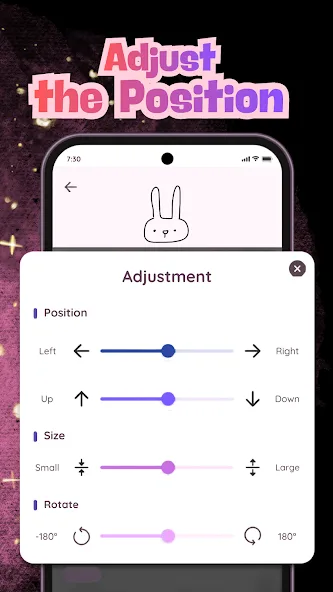
Emoji Battery sticker personalization options
Emoji Battery theme and backdrop choices
Emoji Battery charging animation preview
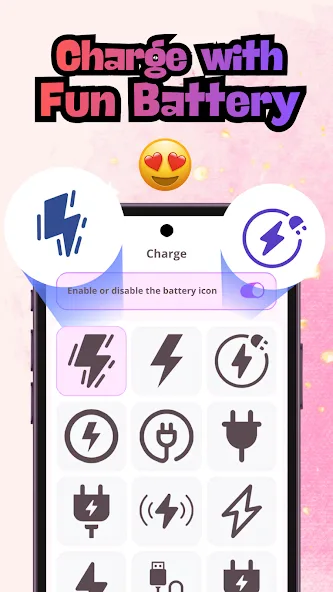
Emoji Battery customization controls
A simple path
Emoji Battery: Icon & Widget keeps the journey direct, with a clear next step at every point.
Pick a battery icon, widget, or Top Style.
Adjust the available color, size, position, theme, or sticker choices.
Grant Android permissions only when a selected style requires them.
Apply the design and return anytime to change the look.
Good to know
Android requires permission for an app to display selected visual elements over or near other interface areas. Only grant access if you want that feature.
Yes. The public listing and screenshots show home-screen battery widget styles.
Yes. The customization controls are designed so you can revisit and apply a different available style.
Android applicationReady when you are
Customize battery icons, widgets, status-bar styles, stickers, themes, and optional animations.
View on Google Play